Now available for Mac

Master with
clarity.

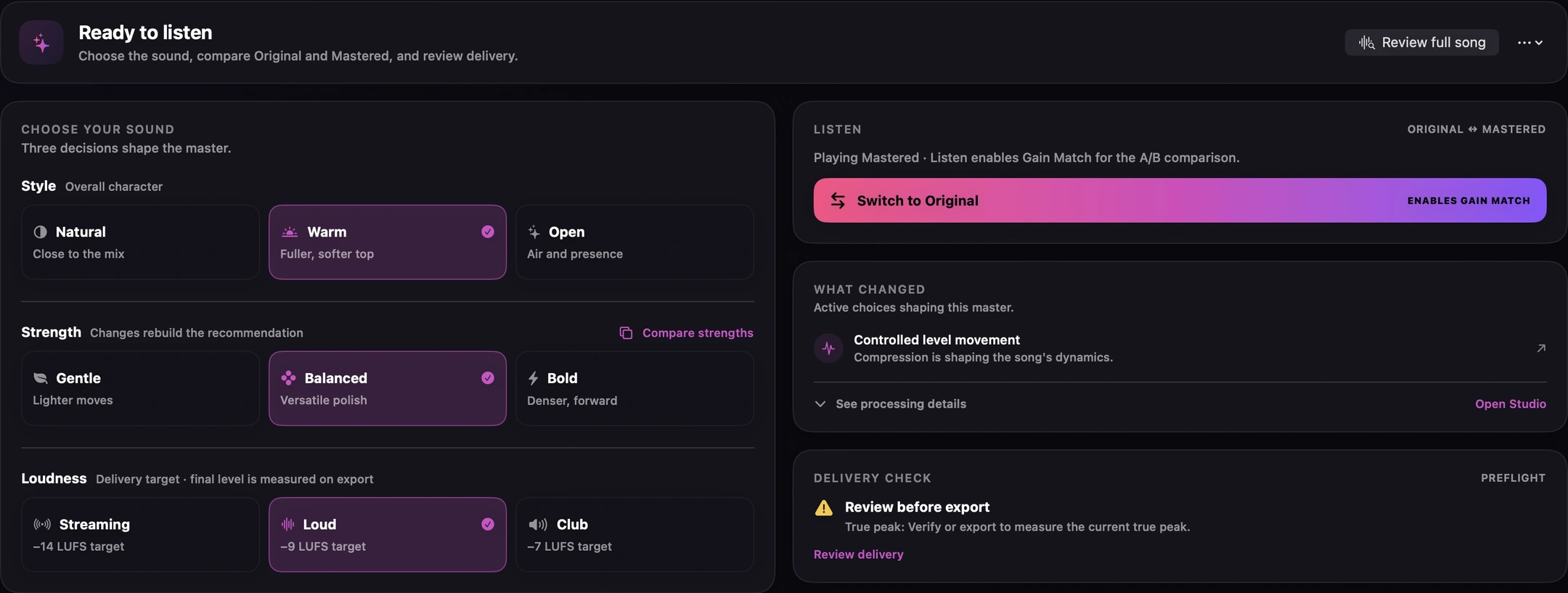
Finito combines local AI-assisted music context with detailed audio analysis to create a tailored mastering starting point, then lets you refine, compare, and deliver in real time.

Requires macOS 14 or later · Built for Apple silicon

100% free · No ads · No licenses · No subscriptions

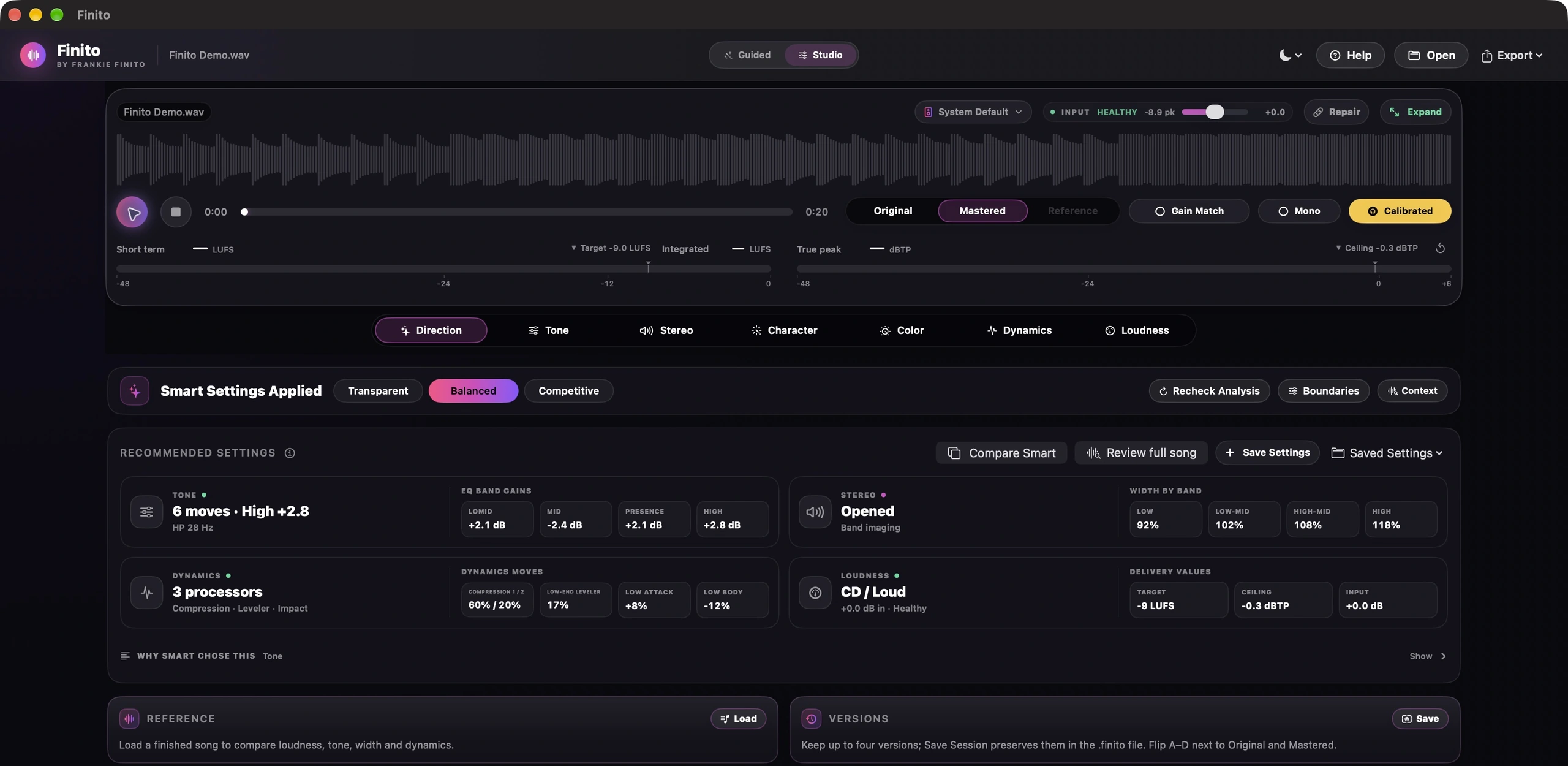
Finito 1.13 full workspace: compact waveform, Smart Settings Applied, recommended Tone Stereo Loudness Input and Dynamics cards, and live master status
Features

A focused mastering workspace

Smart decisions, transparent controls, and exactly the right amount of detail when you need it.

01 / 08
Direction

AI-assisted direction, not a generic preset.

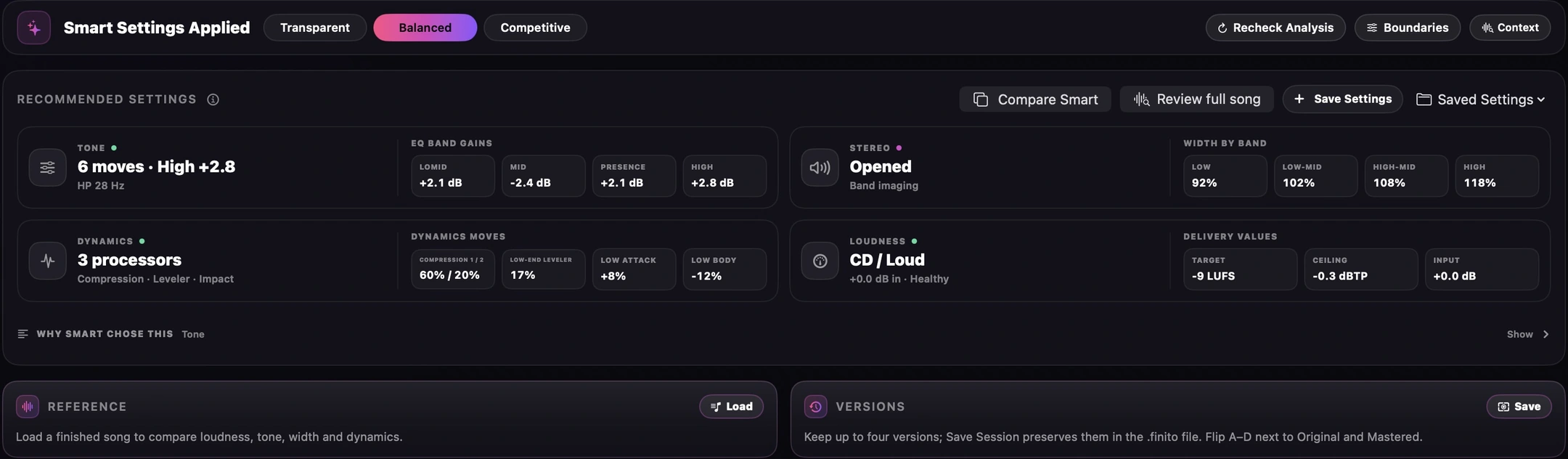
Smart Analysis combines measured tone, dynamics, stereo, and loudness with local music-context detection to build a complete first pass you can refine by ear.

  • On-device context detection: your audio stays on your Mac
  • Track-specific tone, dynamics, width, input gain, and loudness
  • Fast recommendations with complete manual control
  • Choose Smart Analysis or skip it every time you open, then save versions or return to the analyzed settings
Finito: Smart Analysis
Full Finito window on Direction: a thin Smart Settings strip with intent, Recheck and Boundaries, plus the recommended settings row
Workflow

From rough mix to finished master

Four steps, one window. No bouncing between apps.

1

Load

Load WAV, AIFF, FLAC, MP3, or M4A. Finito asks whether to run Smart Analysis or start neutral, the same question for one track or a set of stems. Drop 2 to 12 files at once to master from stems.

2

Restore

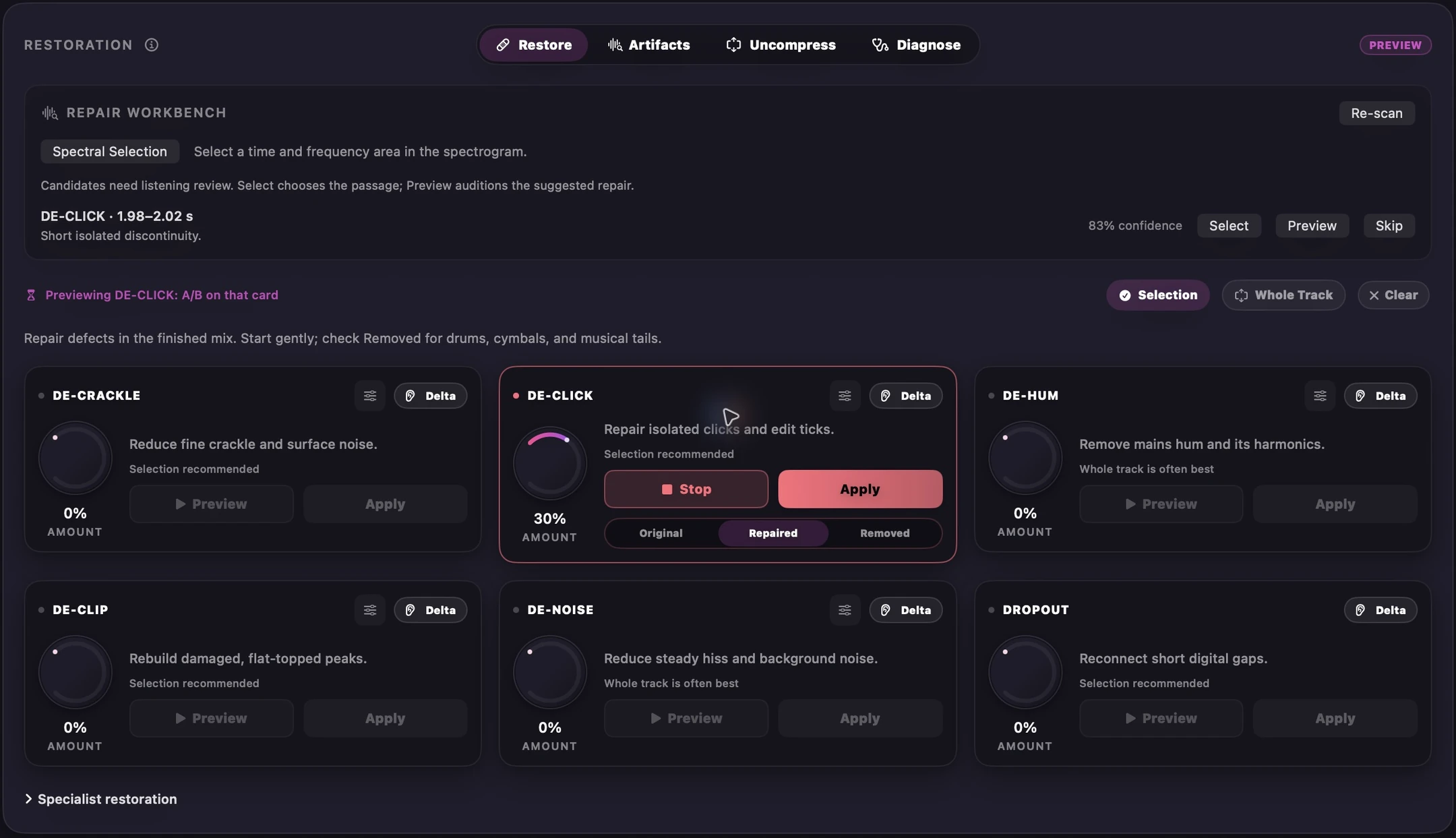
Target a problem area with De-Click, De-Crackle, De-Hum, De-Clip, or De-Noise, or open a squashed mix back up with Uncompress.

3

Shape & compare

Fine-tune EQ, per-band stereo, character, dynamics, loudness, fades, and trims, then A/B at matched loudness.

4

Deliver

Preview codecs, choose sample rate and metadata, then export one master or an entire release.

Finito: Open
Full Finito window asking whether to run Smart Analysis on four stems, with Smart Analysis marked recommended and Skip Analysis below it
One question, asked once, however you opened the audio. Skip it and every control loads neutral; Smart Analysis is still one click away in the Direction tab.
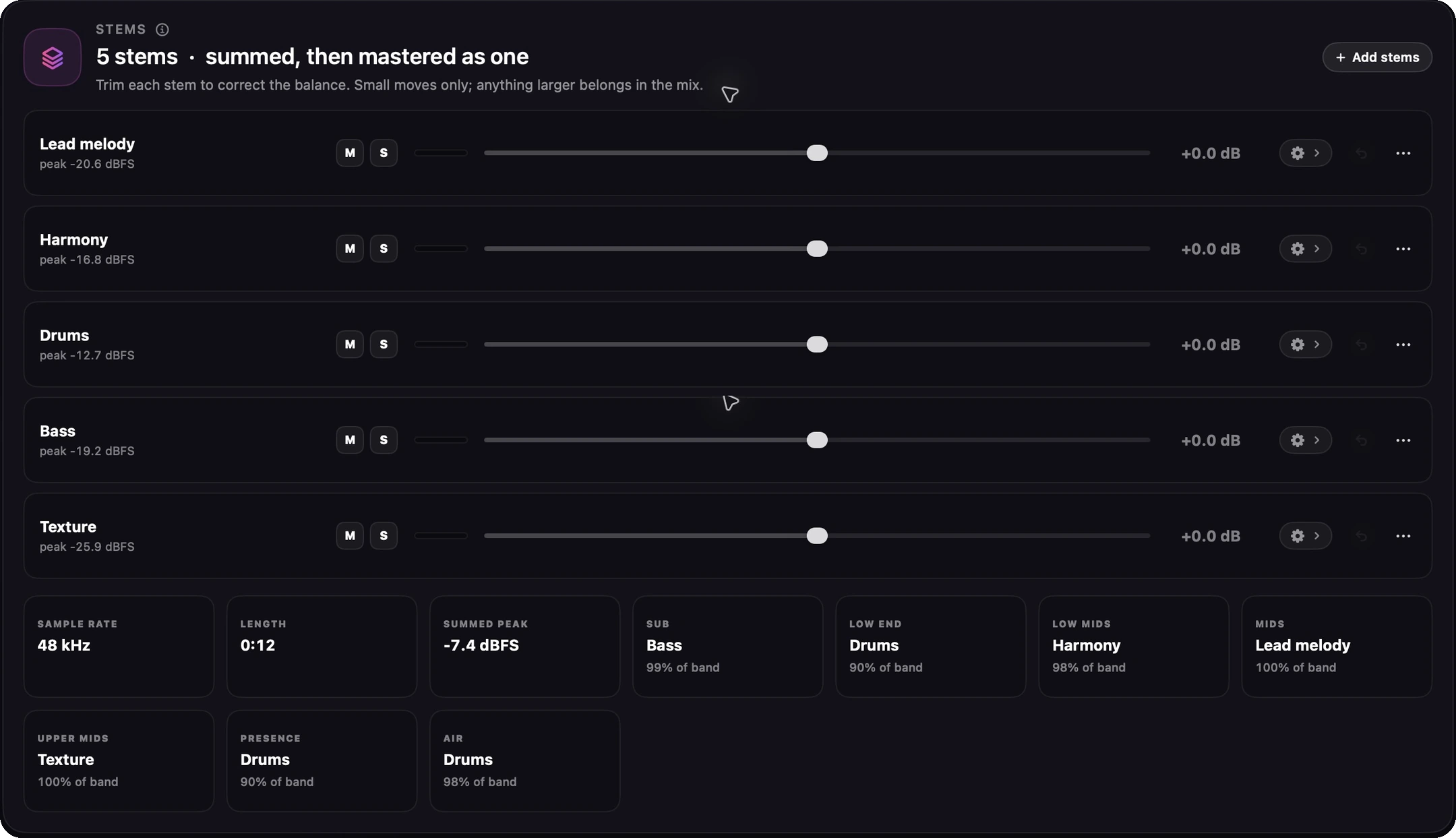
Finito: Stems
Full Finito window on a four-stem session: Drums, Bass, Music, and Vocal rows, each with mute, solo, and a trim slider
A live meter on every row reads that stem after its own trim, EQ and compressor, so you can see what each one actually sends into the sum.

Mastering

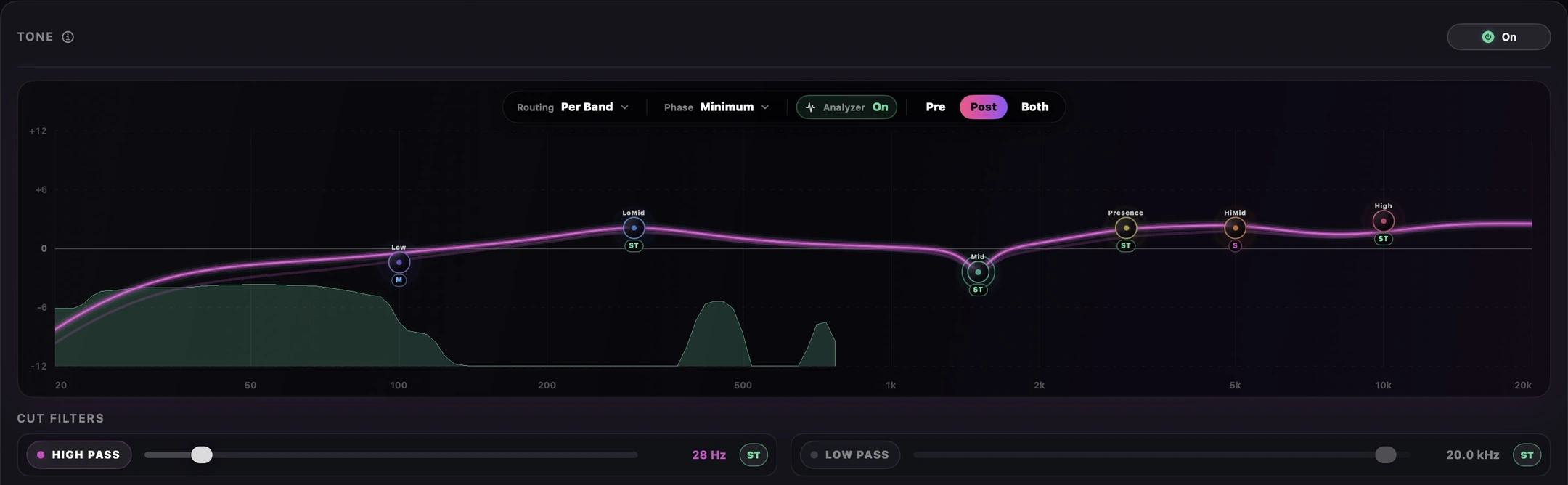
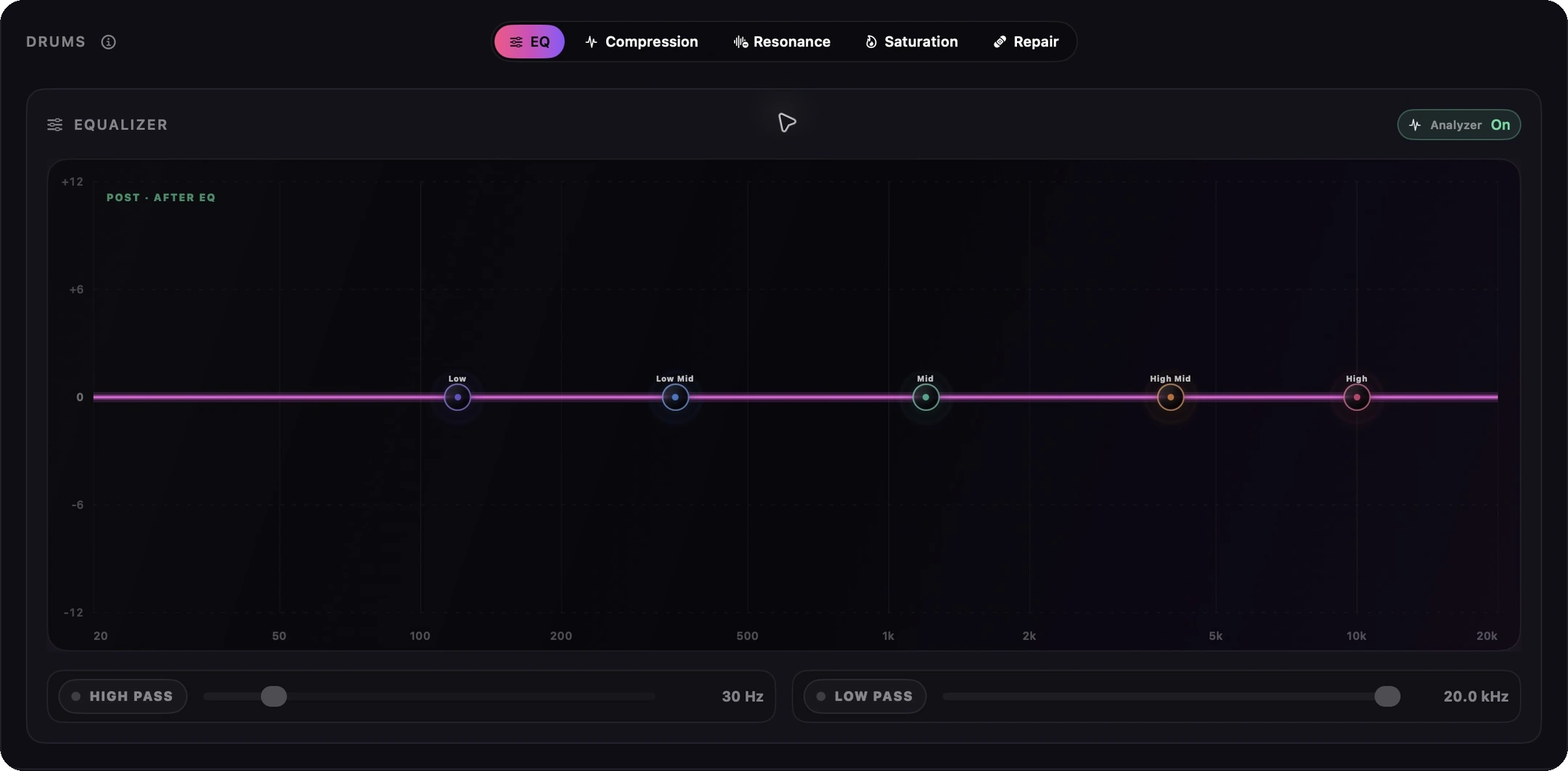
  • Parametric EQ with live pre/post spectrum feedback
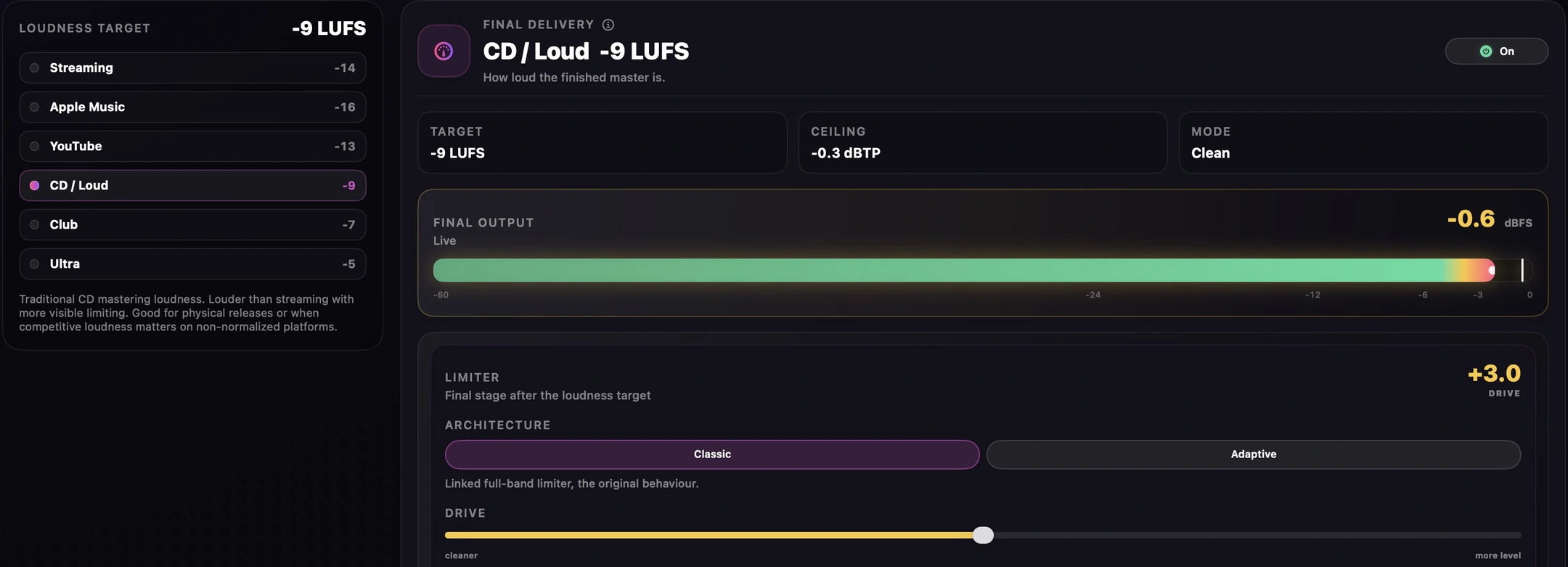
  • True-peak safety and mastering-focused loudness control
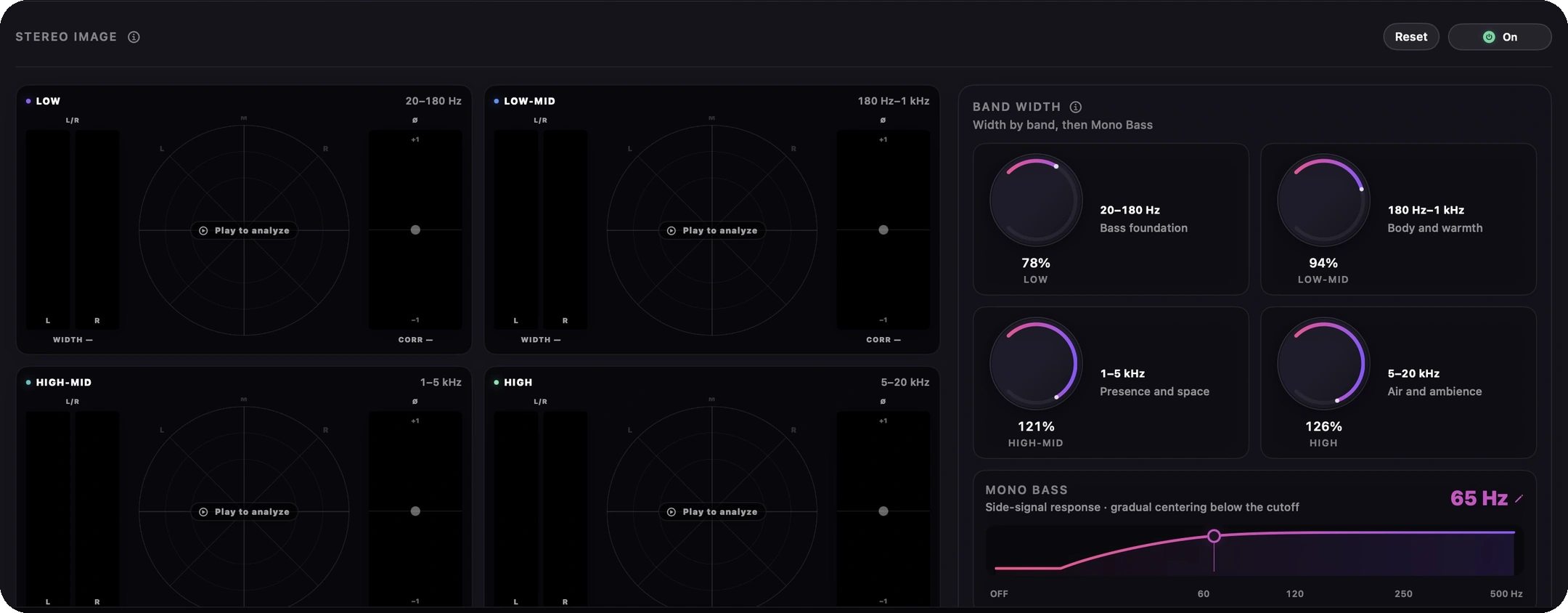
  • Four-band Stereo Image with Lissajous particle fields, L/R and correlation rails, and Mono / Mid / Side monitoring
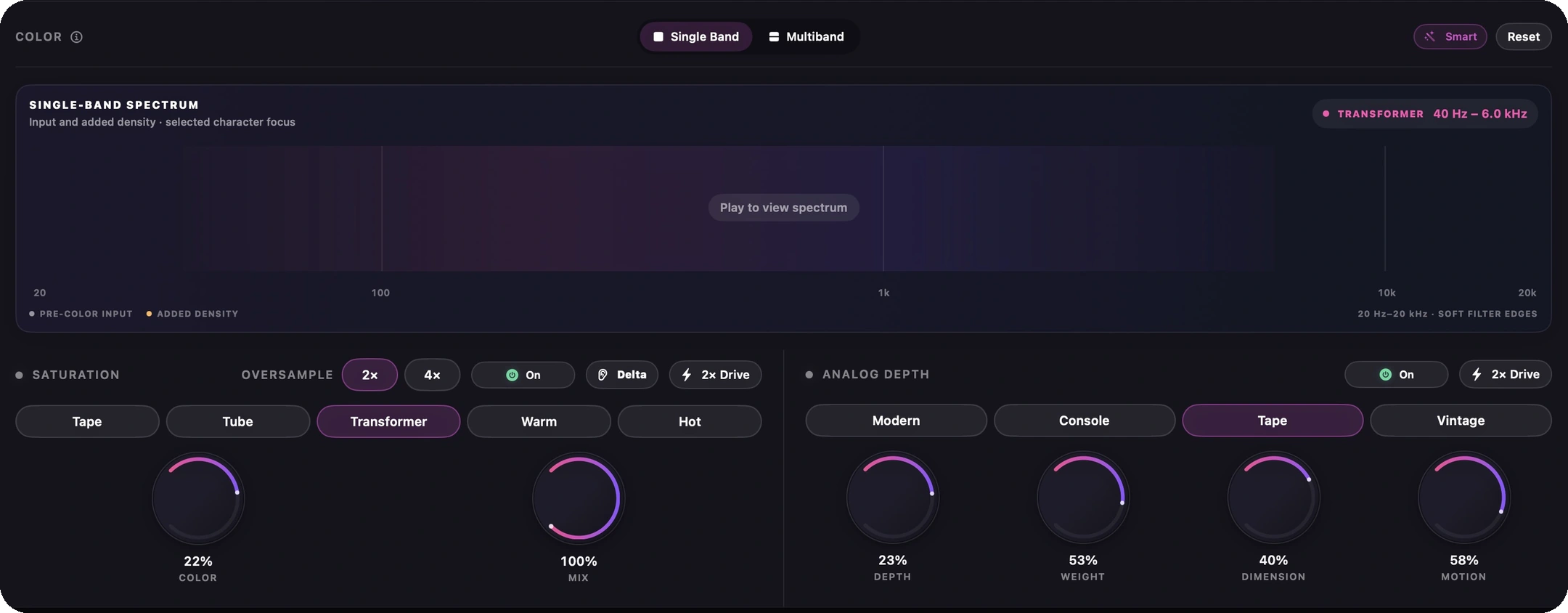
  • Color with a live Density meter, Multiband per-band glow, and per-band 2× Drive
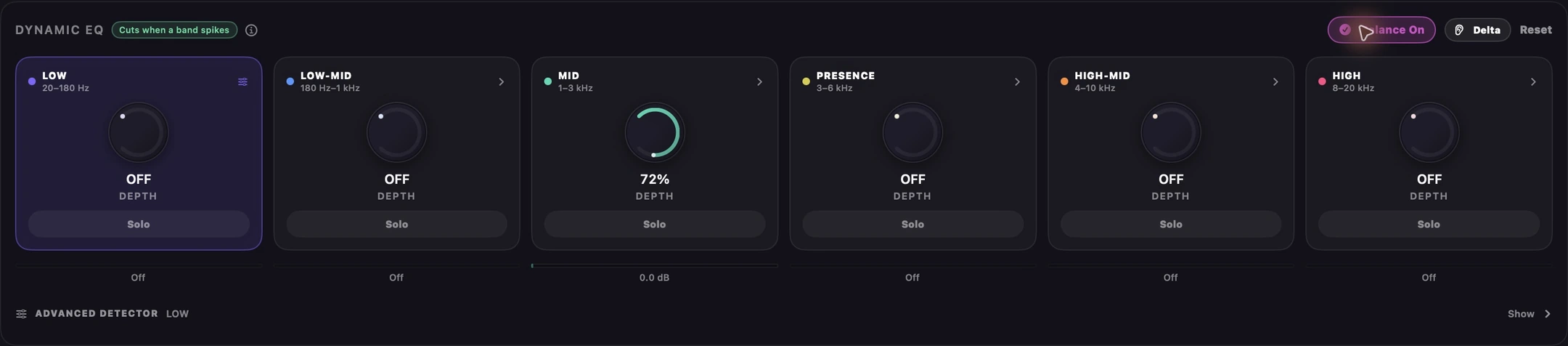
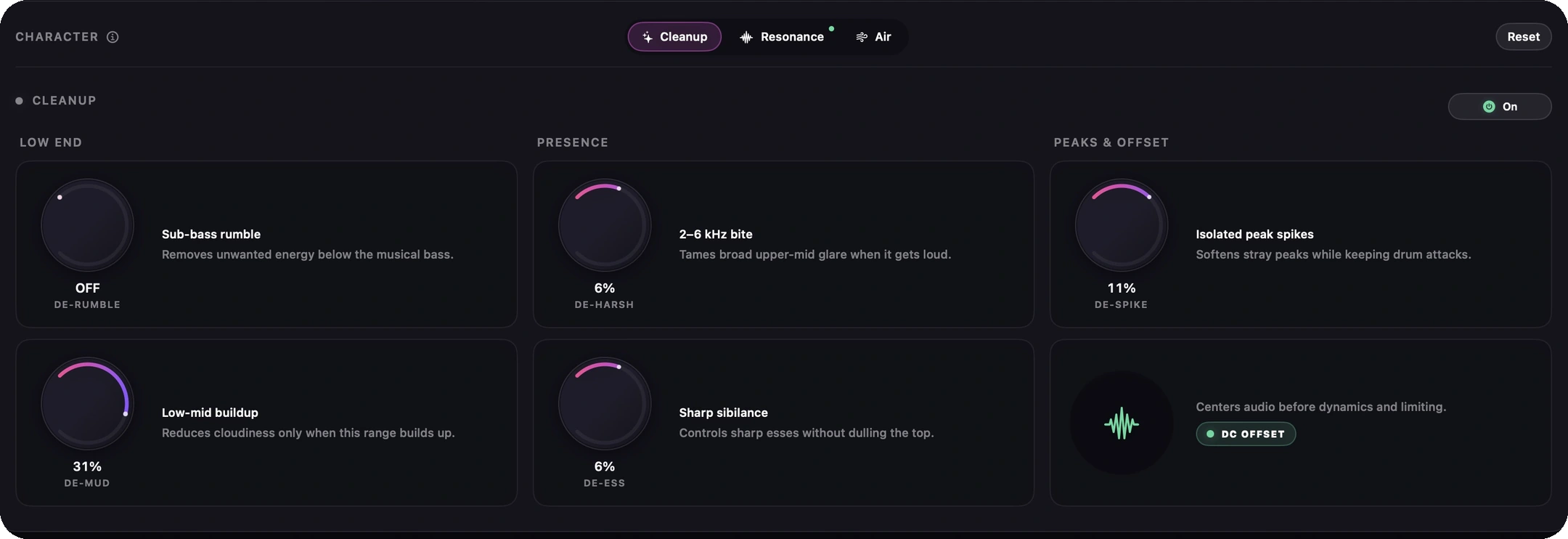
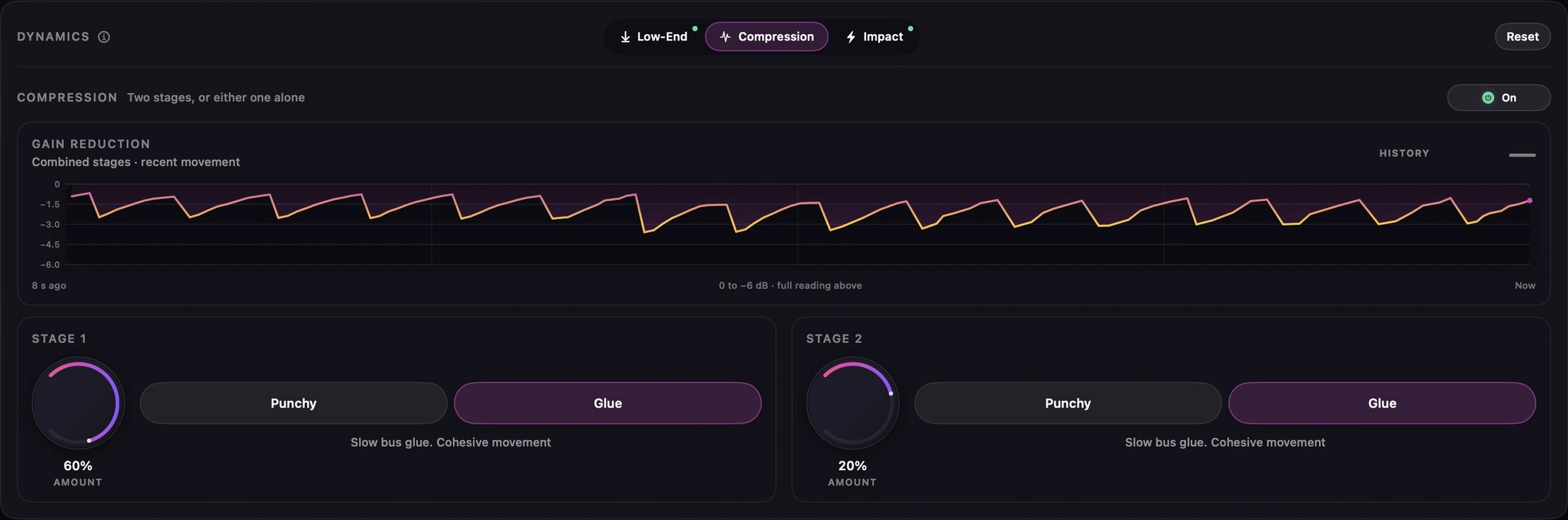
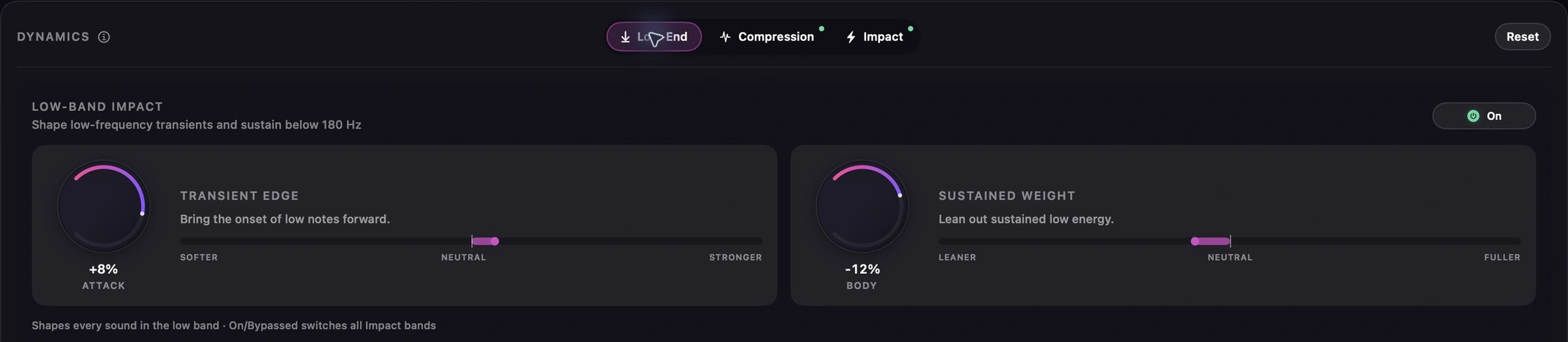
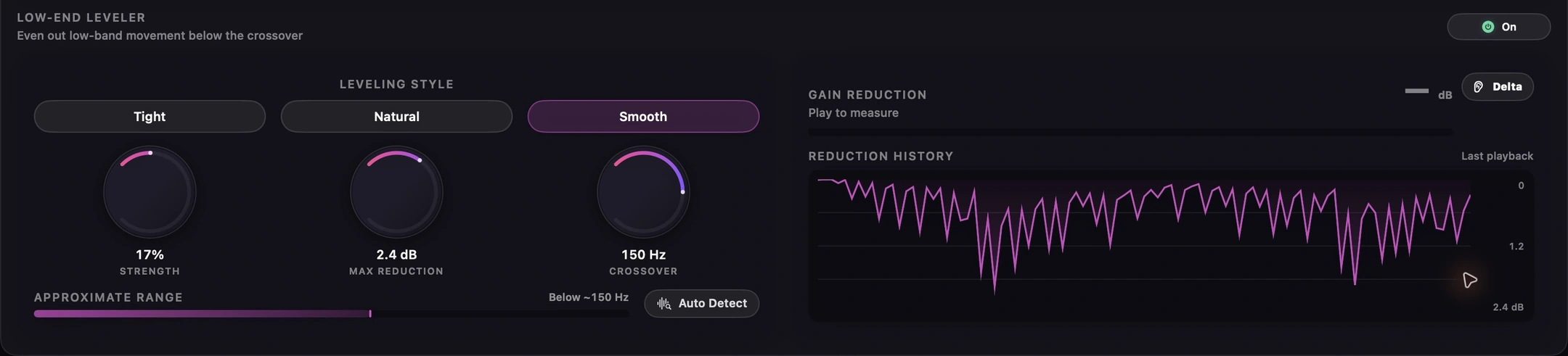
  • Character tools including Smoothness, Cuts, Air, De-Mud, De-Ess, De-Spike, and De-Harsh

Stems

  • 2 to 12 stems summed and mastered as one, with add, replace, remove, and rename
  • Per-stem EQ with its own live spectrum, and per-stem compression with its own gain-reduction meter
  • Eight per-stem repair tools: click, crackle, plosive, hum, clip, noise, sibilance, and room
  • Live preview that re-renders as you move a control, with Repaired / Original / Removed monitoring
  • Mute and solo for monitoring only, so the exported master always contains every stem
  • A live level meter on every stem row, after its trim, EQ and compressor
  • A resonance suppressor per stem, taming rings and boxiness without dulling the source
  • Named sessions that save and reopen with every stem, trim, EQ and repair intact

Restore

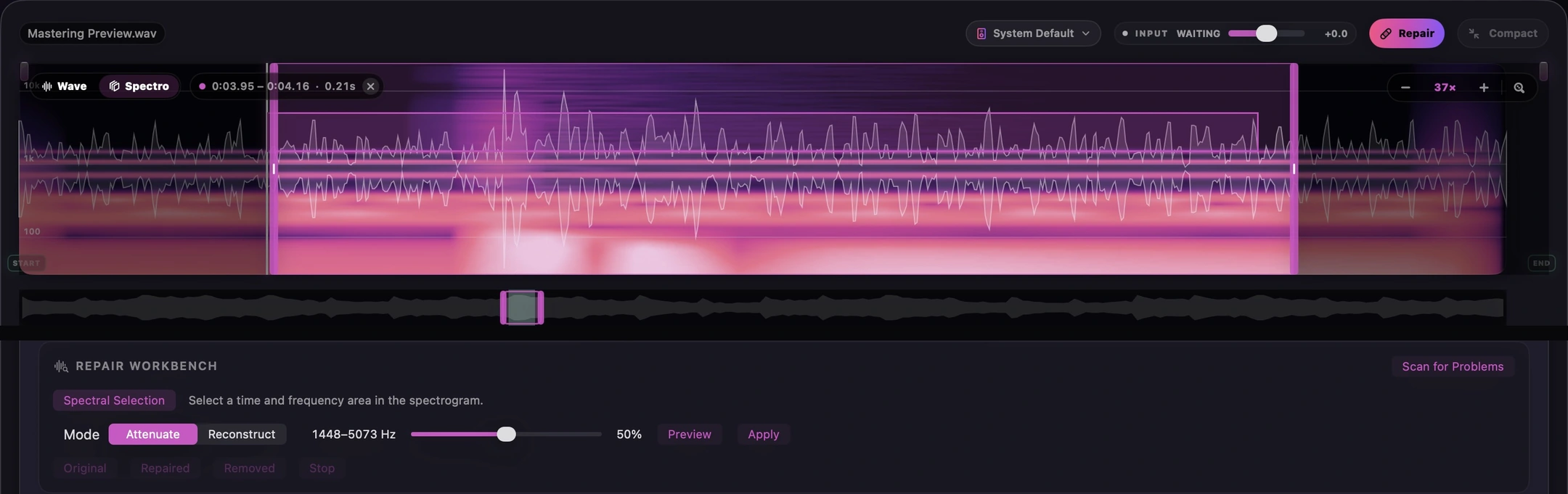
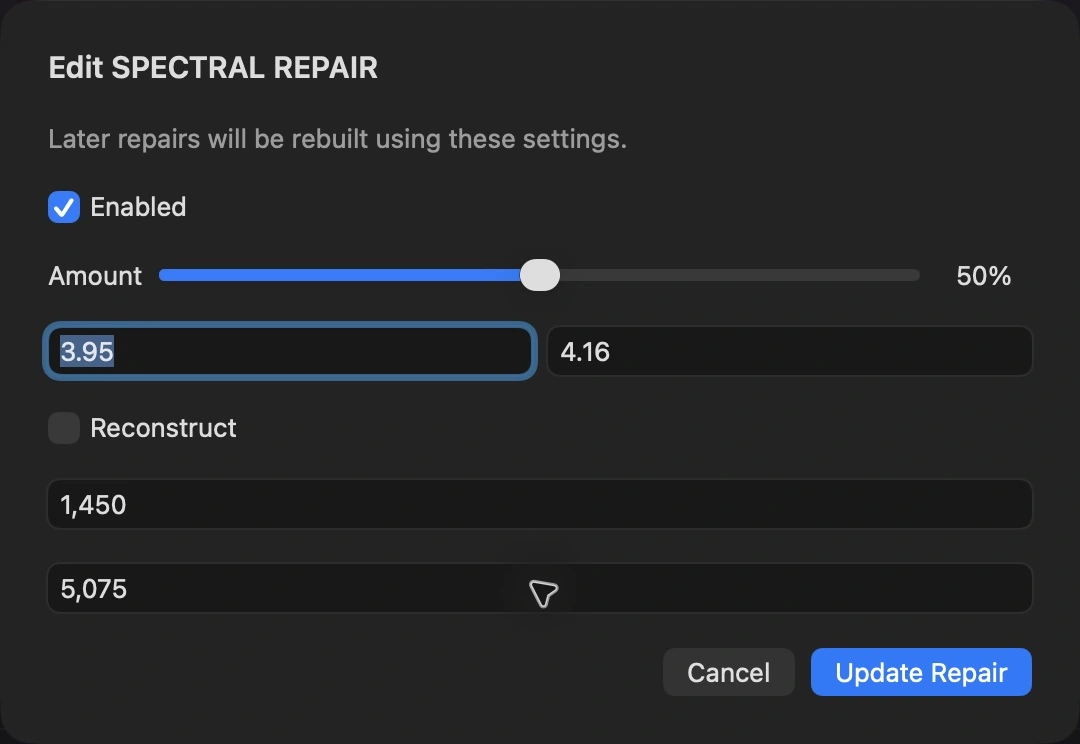
  • Focused Repair with draggable regions and a detailed spectrogram
  • Repair tools for clicks, crackle, hum, clipping, and broadband noise
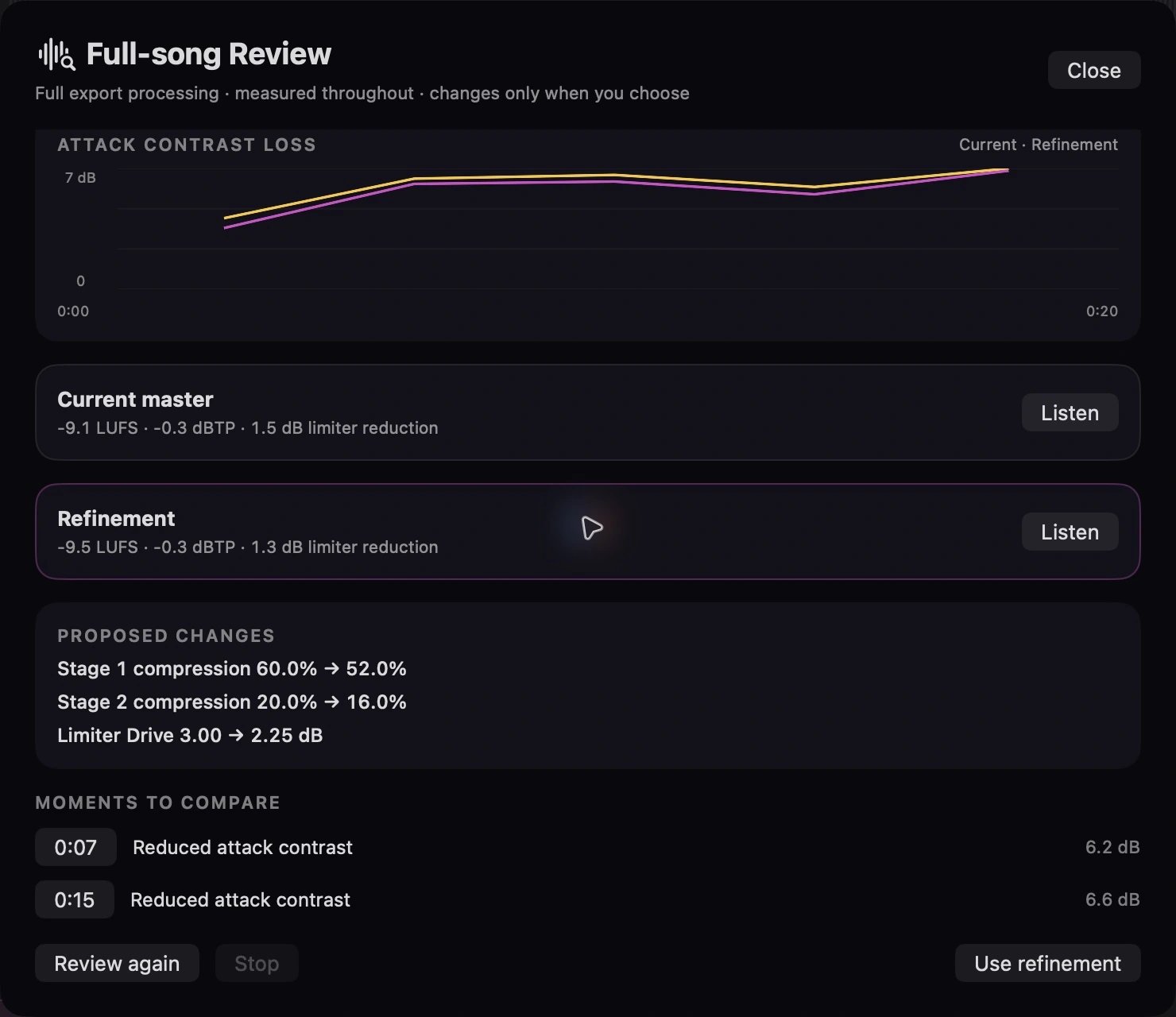
  • Uncompress to restore the level contrast between sections on a mix that arrived over-compressed
  • Source check for bandwidth, clipping and true peak, plus polarity and L/R timing faults that width controls cannot fix
  • Audition safely with a level-matched Original / Repaired comparison before committing

Delivery

  • Codec Preview to hear AAC or MP3 delivery before export
  • Flexible output with delivery sample rates, metadata, WAV, FLAC, MP3, AAC, and ZIP packages
  • Album / Batch Master for per-track or album-relative loudness across a release

Workflow

  • Session recall with saved settings, fades, trims, repair work, and export choices
  • Appearance follows Dark, Light, or System. Light-mode plots use ink so labels stay readable on the washes
  • Versions and references for deliberate, gain-matched decisions
  • Loudness history with LUFS, PLR, and PSR context for every master

Download Finito

Requires macOS 14 or later · Built for Apple silicon · Full requirements

Download Finito for Mac
v1.13.3 · build 1Apple siliconSHA-256
Finito is 100% free: no ads, licenses, or subscriptions. It is distributed directly from this website, outside the Mac App Store.
Installation

Getting set up takes under a minute

1

Download the disk image

Click the download button to save Finito.dmg to your Mac, then open it from Downloads.

2

Drag Finito into Applications

Drag Finito into your Applications folder.

3

Open it for the first time

Open Finito from Applications. Because it is distributed directly from this website, macOS may ask you to confirm that you want to open it.

If macOS blocks the app

Open System Settings → Privacy & Security, scroll to Security, then choose Open Anyway next to the Finito message. You only need to approve Finito once.

Do not disable macOS security settings.

Apple's guide to opening apps safely
Finito processes audio and AI-assisted music context locally on your Mac. Your music is not uploaded for mastering.

Deliver what you approved. Finito renders the current master as 24-bit WAV, 16-bit WAV with dither, FLAC, high-quality MP3, AAC, or a ZIP package, with delivery sample rate and metadata choices carried through to the file.

Ready to finish your mix?

100% free. No account, license, subscription, or ads.

Download for Mac